Tags:
Node.jsKonvaCanvasReact JS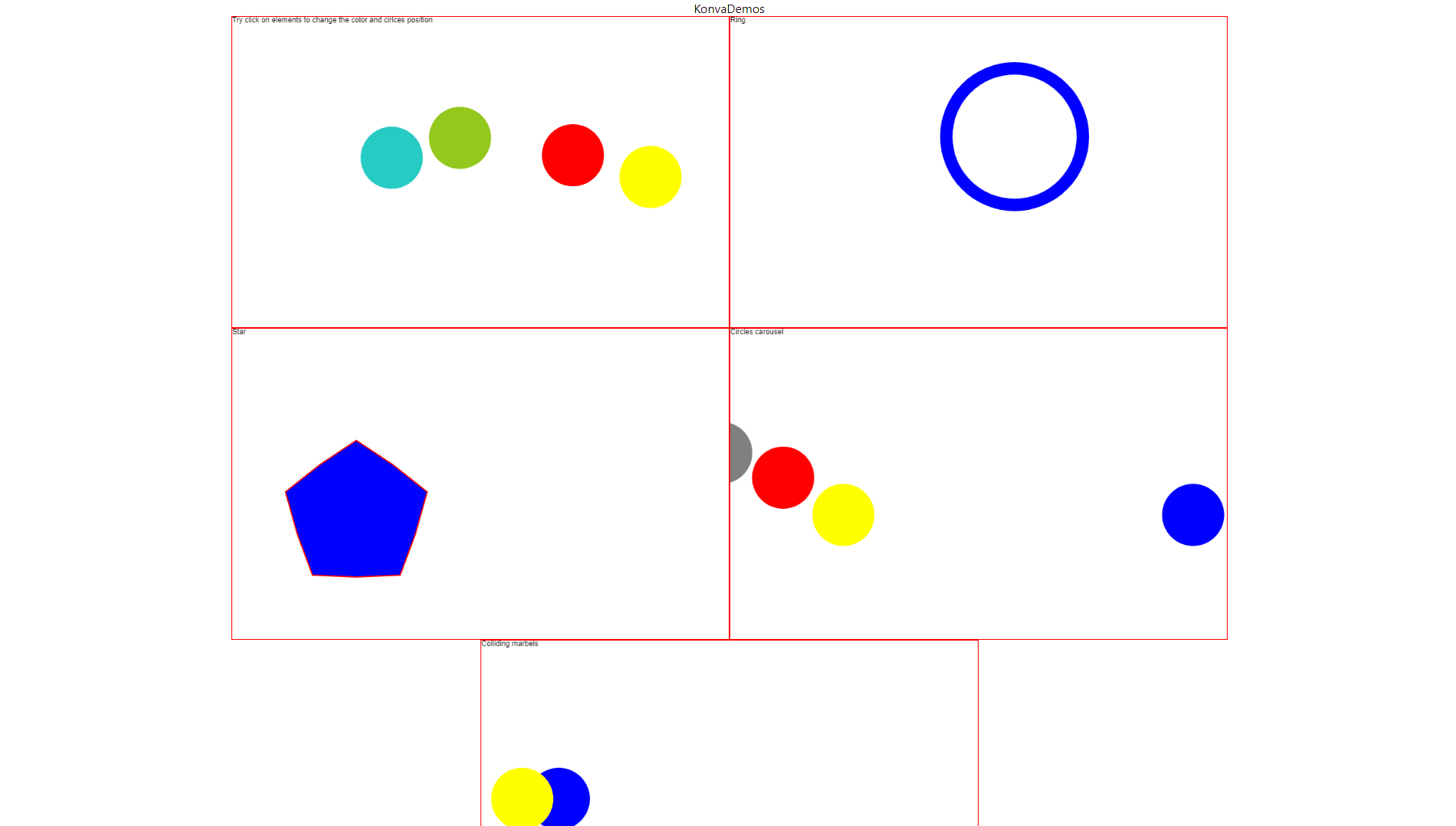
Showcasing a demo project built with React.js and Konva, featuring dynamic and interactive canvas elements for rich user experiences.


Timeline
- 2024-04-01: Project started
- 2024-04-27: Project Completed
Detailed Description
Dynamic User Interaction and Enhanced Graphics
The "Interactive Canvas with Konva" project utilizes the Konva JavaScript library to bring advanced graphical features to web applications. With its high-performance canvas rendering, users can interact with complex shapes, animations, and images in real-time. This makes it perfect for applications requiring drag-and-drop interactions, real-time updates, or even game-like experiences. Its ability to handle a large number of elements while maintaining speed ensures that users enjoy seamless performance.
Flexible and Scalable Canvas Features
Konva provides a flexible API for building custom applications, from simple interactive diagrams to complex design tools. Whether you're working with small-scale interactions or large, intricate projects, Konva’s modular approach makes it scalable and adaptable to different needs. The library offers extensive support for layering, event handling, and transformations, making it a versatile choice for any interactive web-based graphics solution.
Enhanced User Experience with Advanced Animations
Animations play a vital role in enhancing user experience, and Konva excels in this area with its native support for smooth transitions and transformations. Developers can implement complex animations without compromising performance, offering users dynamic, visually rich experiences. This feature is especially useful in projects like data visualization, art creation tools, or any interface that demands real-time graphical manipulation.
import React, { useEffect, useState } from 'react';
import { Stage, Layer, Rect, Text, Circle, Line, Ring, Star } from 'react-konva';
import Konva from 'konva';
const KonvaDemo = () => {
const [collisionCircleArr, setCollisionCircleArr] = useState([
{ x: 200, y: 300, fill: 'blue', radius: 50, draggable: true, velocityX: 5, velocityY: 3 },
{ x: 300, y: 200, fill: 'gray', radius: 50, draggable: true, velocityX: -3, velocityY: 4 },
{ x: 500, y: 300, fill: 'yellow', radius: 50, draggable: true, velocityX: 2, velocityY: -5 },
{ x: 400, y: 240, fill: 'red', radius: 50, draggable: true, velocityX: -4, velocityY: -2 },
]);
useEffect(() => {
const animate = () => {
const updatedCollisionCircleArr = collisionCircleArr.map((circle) => {
// Update circle position based on velocity
const newX = circle.x + circle.velocityX;
const newY = circle.y + circle.velocityY;
// Handle collision with stage walls
if (newX - circle.radius < 0 || newX + circle.radius > 800) {
circle.velocityX *= -1; // Reverse direction on collision with horizontal walls
}
if (newY - circle.radius < 0 || newY + circle.radius > 500) {
circle.velocityY *= -1; // Reverse direction on collision with vertical walls
}
// Handle collision with other circles
collisionCircleArr.forEach((otherCircle) => {
if (circle !== otherCircle) {
const dx = newX - otherCircle.x;
const dy = newY - otherCircle.y;
const distance = Math.sqrt(dx * dx + dy * dy);
if (distance < circle.radius + otherCircle.radius) {
// Reverse velocities on collision to simulate bouncing
circle.velocityX *= -1;
circle.velocityY *= -1;
}
}
});
return { ...circle, x: newX, y: newY };
});
setCollisionCircleArr(updatedCollisionCircleArr);
requestAnimationFrame(animate);
};
// Start the animation loop
animate();
}, [collisionCircleArr]);
const [rectangleColor, setRectangleColor] = useState('green');
const [circleArr, setCircleArr] = useState([
{ x: 200, y: 300, fill: 'blue', radius: 50, draggable: true },
{ x: 300, y: 200, fill: 'gray', radius: 50, draggable: true },
{ x: 500, y: 300, fill: 'yellow', radius: 50, draggable: true },
{ x: 400, y: 240, fill: 'red', radius: 50, draggable: true },
]);
const [animatedCircles, setAnimatedCircles] = useState([...circleArr]);
const changeCircleColor = (index) => {
const updatedCircleArr = [...circleArr];
updatedCircleArr[index].fill = Konva.Util.getRandomColor();
setCircleArr(updatedCircleArr);
};
useEffect(() => {
const updateAnimatedCircles = (frame) => {
const updatedAnimatedCircles = animatedCircles.map((circle) => {
const newX = circle.x + Math.sin(frame.time * 2 * Math.PI / 200) * 5;
// const newY = circle.y + Math.sin(frame.time * 2 * Math.PI / 200) * 5;
// Reset x position when circle goes beyond the right side
const resetX = newX > 810 ? -circle.radius : newX;
// const resetY = newY > 810 ? -circle.radius : newY;
return {
...circle,
x: resetX,
// y: resetY,
};
});
setAnimatedCircles(updatedAnimatedCircles);
};
const animation = new Konva.Animation((frame) => {
updateAnimatedCircles(frame);
});
animation.start();
// Clean up the animation when the component unmounts
return () => animation.stop();
}, [animatedCircles]);
return (
KonvaDemo
changeCircleColor(index)}
/>
))}
{/*
setRectangleColor(Konva.Util.getRandomColor())}
/>
changeCircleColor(index)}
/>
))}
)
}
export default KonvaDemoGallery