Tags:
Next.jsTailwind CSSTypeScriptWeb AppWebTorrentTorrent Download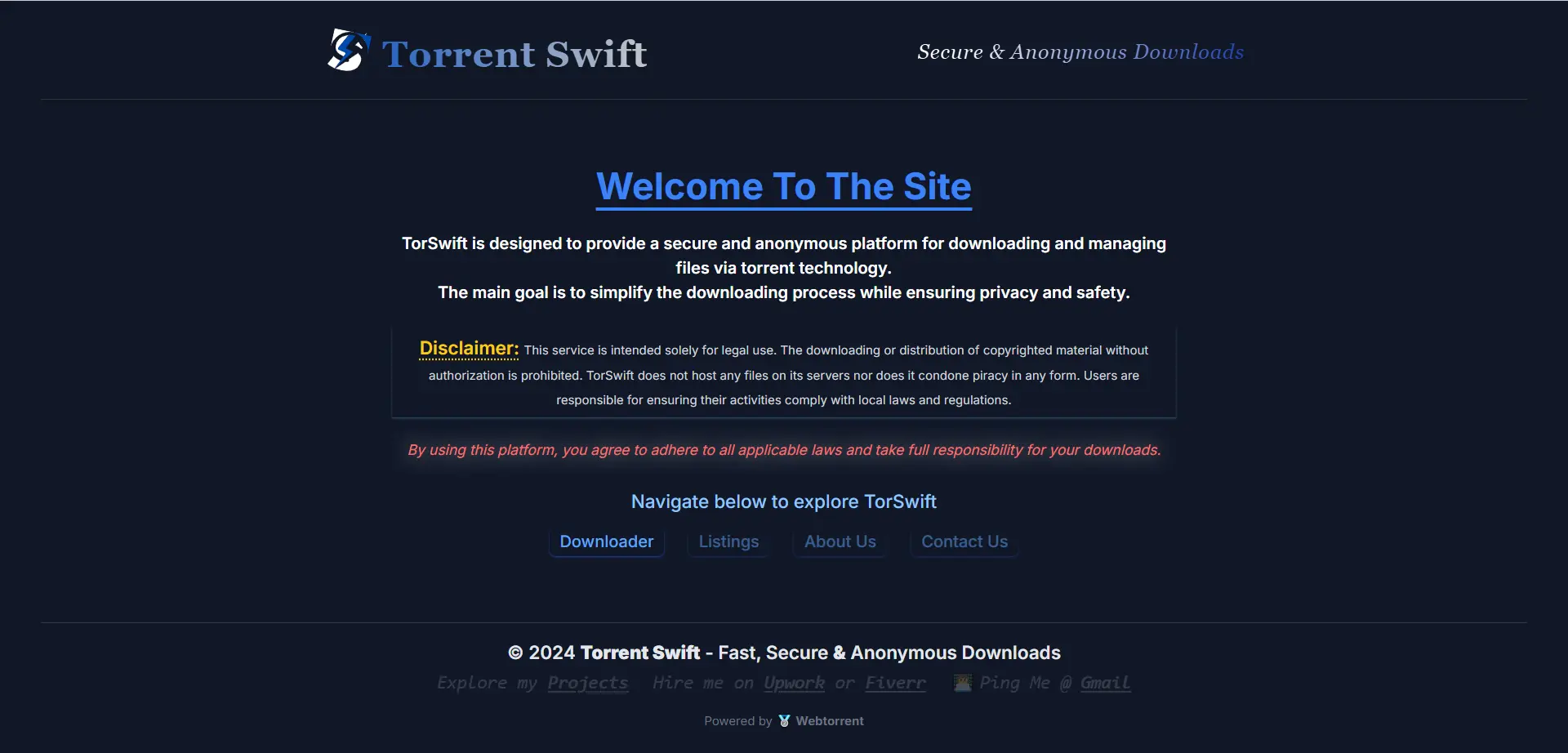
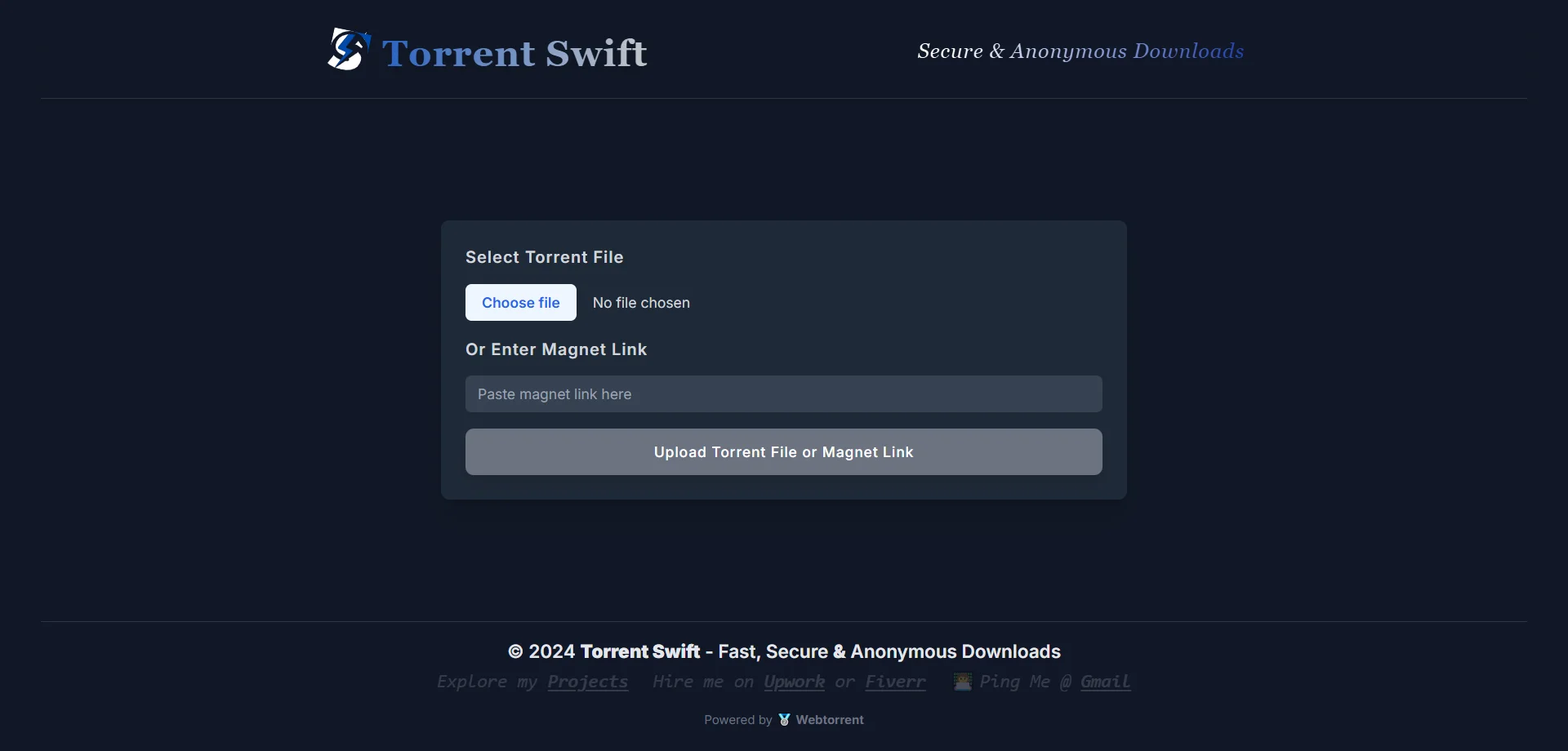
TorSwift is a sleek, modern web application designed for fast, secure, and anonymous torrent downloads.



Timeline
- 2024-10-09: Initial commit, project started
- 2024-10-16: Backend logic updated for multiple downloads
- 2024-10-29: Frontend structure updated, user can see files
- 2024-11-03: File downloading on client side, task cancellation implemented
- 2024-11-10: UI/UX updates for processing files, stream downloading on user end
- 2024-11-11: Site title and description updated, meta changes
- 2024-11-13: Magnet link feature integrated
- 2024-11-16: Logo added, taskID changed to infoHash, download re-usable fixed
- 2024-11-17: Frontend folder structure updated, cleanupTorrent logic removed
- 2024-11-22: Tour guide and favicon added
- 2024-11-23: Unused imports removed, fetch headers added
- 2024-11-24: Folders moved to /api, minor frontend and backend changes
- 2024-11-26: Google Analytics integrated
- 2024-11-27: Tailwind minification added, lazy loading implemented for FileListTable and ProgressControls
- 2024-11-28: Packages and postcss.config updated from server side
- 2024-11-30: Disclaimer page added, code split into separate files
Detailed Description
Fast, Secure, and Anonymous Torrent Downloads
TorSwift is a modern web application built using Next.js and Tailwind CSS. It provides a user-friendly interface for uploading and managing torrent files, while offering real-time download progress tracking. The app ensures a seamless, secure, and anonymous torrent experience with a sleek, dark theme.
Features of TorSwift
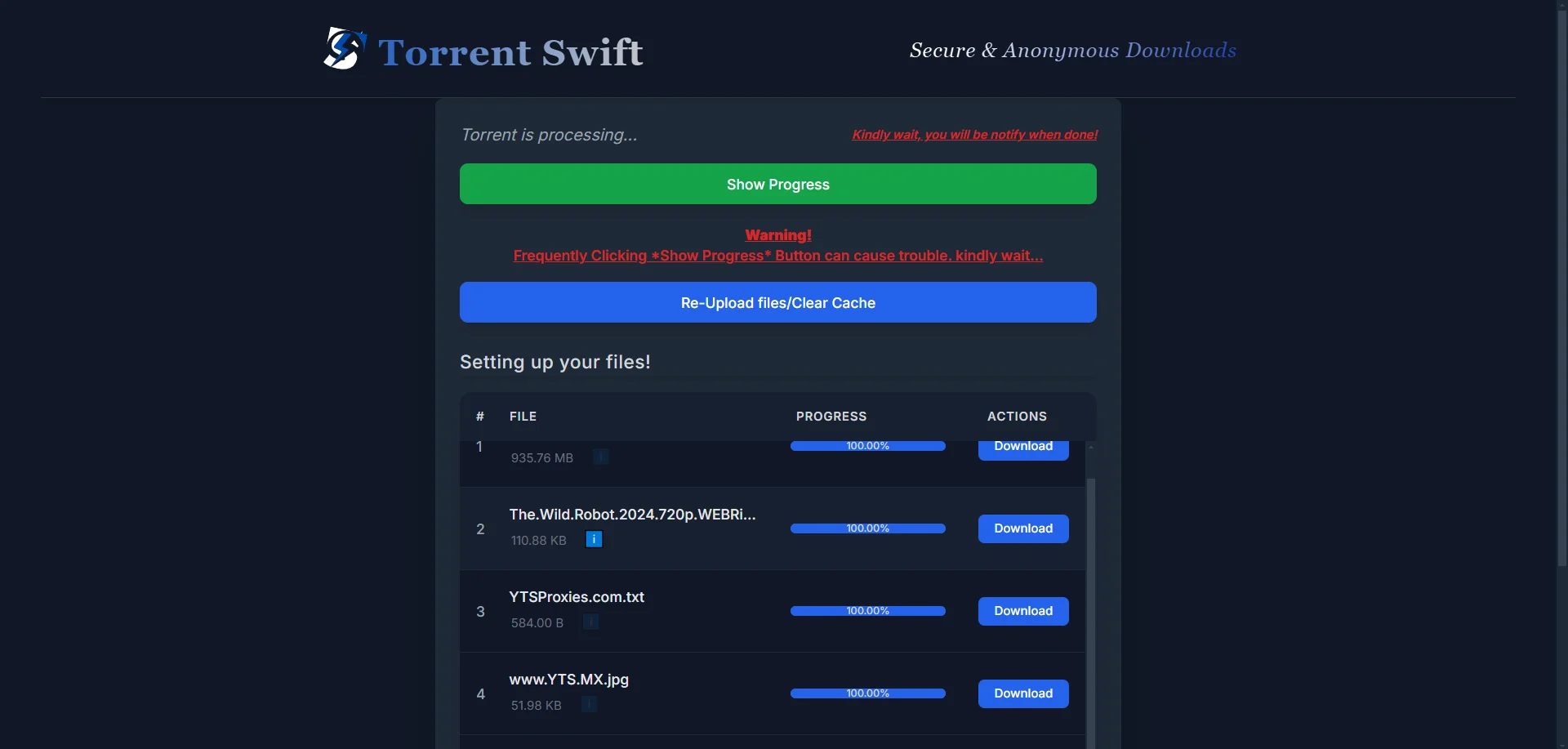
- **User-Friendly Interface**: Simplifies torrent management with an intuitive design. - **Real-Time Progress Tracking**: Monitors and updates download progress live. - **Responsive Design**: Fully responsive layout, compatible with both desktop and mobile devices. - **Modern Aesthetics**: Dark theme with sleek styling and typography.
Technologies Used
- **Frontend**: Next.js (React framework) & Tailwind CSS (utility-first styling). - **Backend**: Custom backend to handle torrent processing and integration.
How to Use
1. Visit **[TorSwift](https://torswift.pro)** in your browser. 2. Upload a .torrent file to start processing. 3. Keep the tab open to avoid losing download progress. 4. Monitor the download progress and access available files once completed.
Acknowledgements
This project uses the WebTorrent library, a great tool for streaming torrents in the browser and Node.js.
License
This is a personal project and is not open for contributions. No specific license is provided.

Gallery